Generate assets in Joule vs running an AI Tool
Learn when to use Joule and when to run an AI Tool for documents, images, audio, video, voice, and research assets.
Last verified 1 day ago
You can create assets in two main ways: ask Joule conversationally, or run a focused AI Tool directly from the catalog. Both can be useful for documents, images, audio, video, voice, research, and other marketing assets.
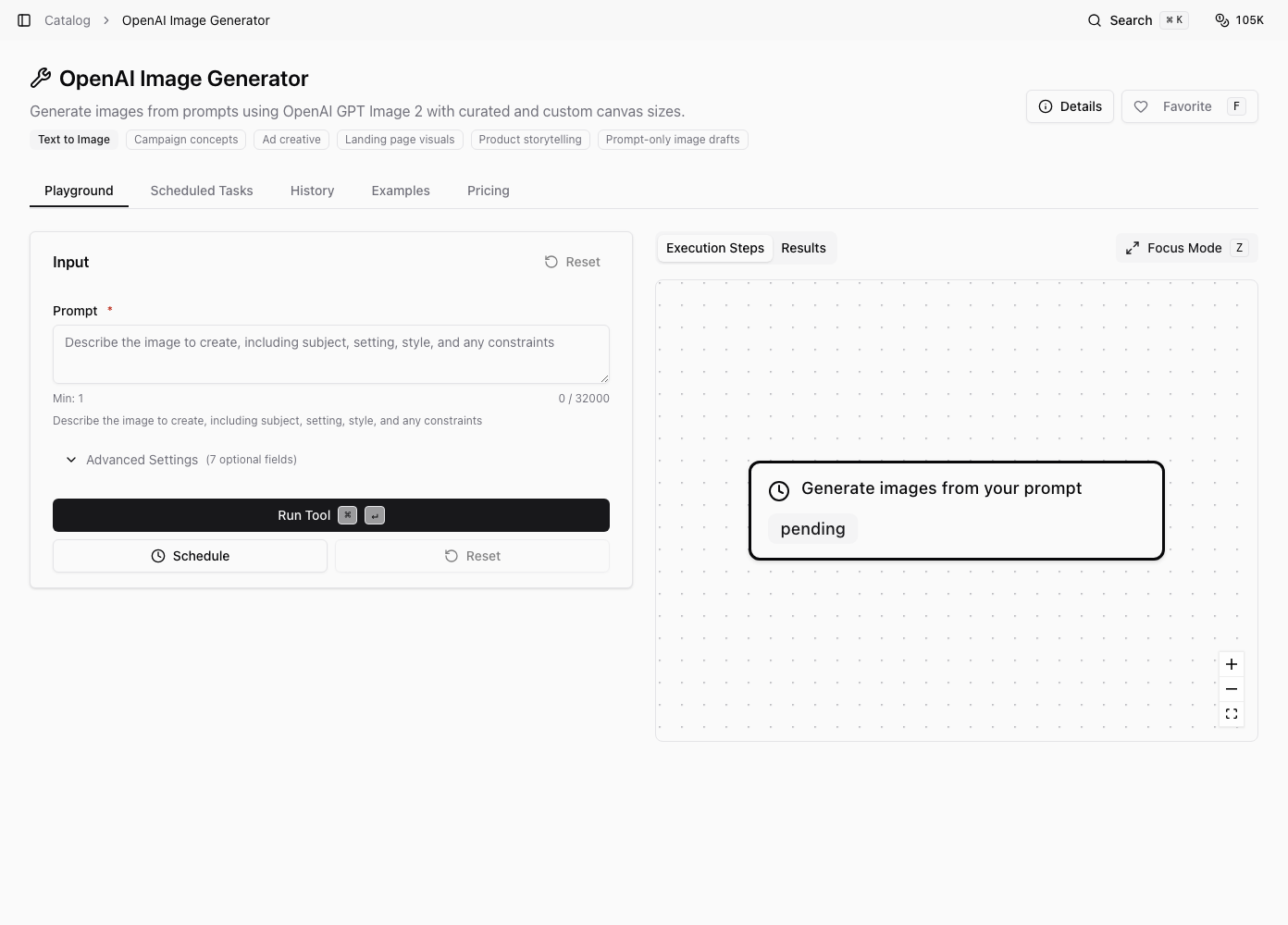
Choose based on how much guidance, iteration, and context you need.
Use Joule when the work is open-ended
Joule is best when you need planning, judgment, context gathering, or several steps in one flow.
Use Joule when:
- You are not sure which asset format is right.
- The task depends on project files, saved reports, or previous chat context.
- You want Joule to critique, revise, or combine outputs.
- The work spans multiple formats, such as research plus a deck plus social copy.
- You need a human-readable handoff around the final asset.
Examples: a campaign brief, a set of LinkedIn posts, a market report, a video script package, a visual concept direction, or a spreadsheet built from research notes.
Use an AI Tool when the job is specific
AI Tools are best when you know the exact workflow and inputs. A focused tool can be faster and more predictable for one asset type.
Use an AI Tool directly when:
- You already know the tool you want.
- The input form matches your task.
- You want to preview pricing, examples, history, or scheduled runs for that tool.
- You need a specific image, video, audio, voice, transcription, scraper, or research workflow.
Examples: generating an image from a prompt, transcribing audio, creating a video asset, running a public data scraper, or producing a voice-related asset with a dedicated workflow.
Think by asset type
For documents, spreadsheets, and slide decks, Joule is often better when the file needs explanation, structure, or multiple revisions. For images, video, audio, and voice, a dedicated AI Tool may be better when the tool's inputs match exactly what you need.
For research, Joule is useful when you want interpretation and next steps. A catalog workflow is useful when you want a repeatable data-gathering run.
Switch paths when needed
You are not locked into one path. Ask Joule to recommend an AI Tool, or run an AI Tool first and then ask Joule to interpret the result.
Before spending credits, check whether you need a conversation, a single repeatable run, or both.
Was this article helpful?
Related articles
Use catalog categories to find the right AI Tool for visuals, video, voice, audio, research, and web extraction.
Learn how to open an AI Tool, fill in required inputs, run it, and review execution steps and results.
Understand what happens after you ask Joule for marketing work, from planning to files, review, and follow-up.