Record a screen demo or walkthrough with Joule
Learn how to ask Joule for a screen demo or walkthrough and review the resulting script or assets.
Last verified 1 day ago
Joule can help plan a screen demo or walkthrough by writing the script, step list, narration, and production checklist. Depending on the session and available tools, Joule may also use browser or workspace capabilities to inspect pages and prepare assets.
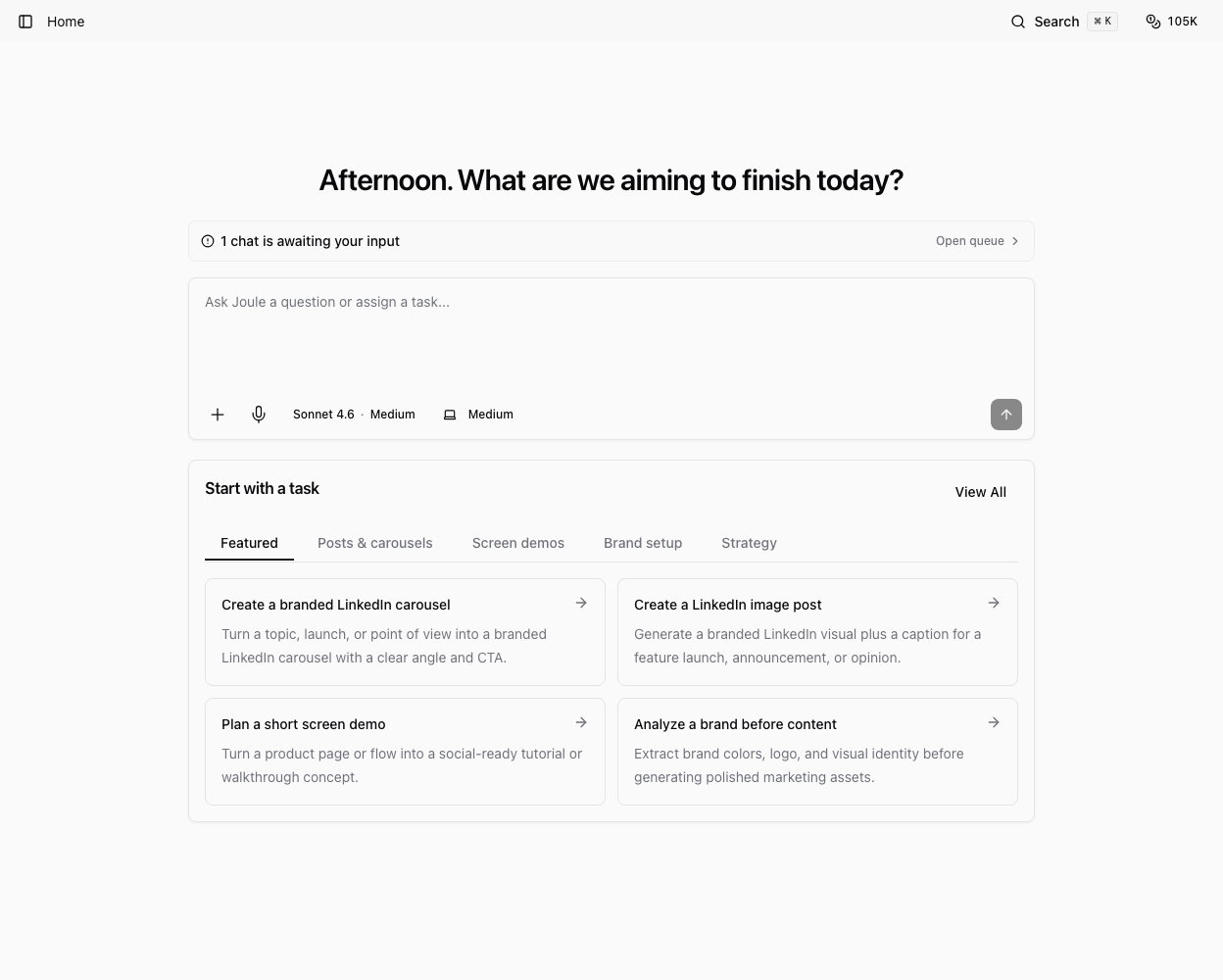
Use this workflow when you need a clear demo plan before recording or producing the final walkthrough.
Describe the walkthrough goal
Tell Joule what the viewer should understand after watching. Include the product area, audience, desired length, and destination.
Examples:
- "Create a two-minute walkthrough script for showing our new reporting workflow to prospects."
- "Plan a founder-style screen demo for this feature launch."
- "Write a product demo script with steps, narration, and on-screen callouts."
Provide the source and boundaries
Give Joule the pages, screenshots, product notes, or demo flow it should use. Be explicit about anything that must not appear, such as customer data, internal IDs, billing details, or private account information.
For a real recording, prepare demo-safe data before you record. Do not expose credentials, private customer records, or production-only secrets.
Ask for a complete package
A useful walkthrough package can include:
- Demo objective and audience.
- Step-by-step screen path.
- Narration script.
- On-screen text or callouts.
- Recording checklist.
- Retake notes and editing suggestions.
- Short social caption or launch blurb.
If you want a product demo rather than a marketing script, say that directly.
Review before recording
Walk through the steps yourself before recording. Confirm the UI exists, the demo data is safe, the copy is accurate, and the flow fits the target length.
Ask Joule to revise any awkward transitions, missing context, or risky claims. A good screen demo should be easy to follow even when the viewer has never used the product.
Save the handoff
Save the final script and checklist in the workspace or project assets. If the recording will be done by someone else, include the browser route, account/data requirements, and privacy notes in the handoff.
Was this article helpful?
Related articles
Learn how to prompt Joule for paid social, founder, UGC-style, or product demo video script packages.
Learn how to open, review, revise, save, and download files that Joule creates in the workspace.
Learn when to ask Joule to open a browser, how to watch the live preview, and how to review browser-based work.