Why your balance shows outstanding debt or is locked
Learn why a balance can show outstanding debt or a locked state and what billing users can do next.
Last reviewed August 2026
A locked or outstanding-debt balance means new AI usage is paused until billing is resolved. This protects the organization from starting more billable work while credits or outstanding usage are unsettled.
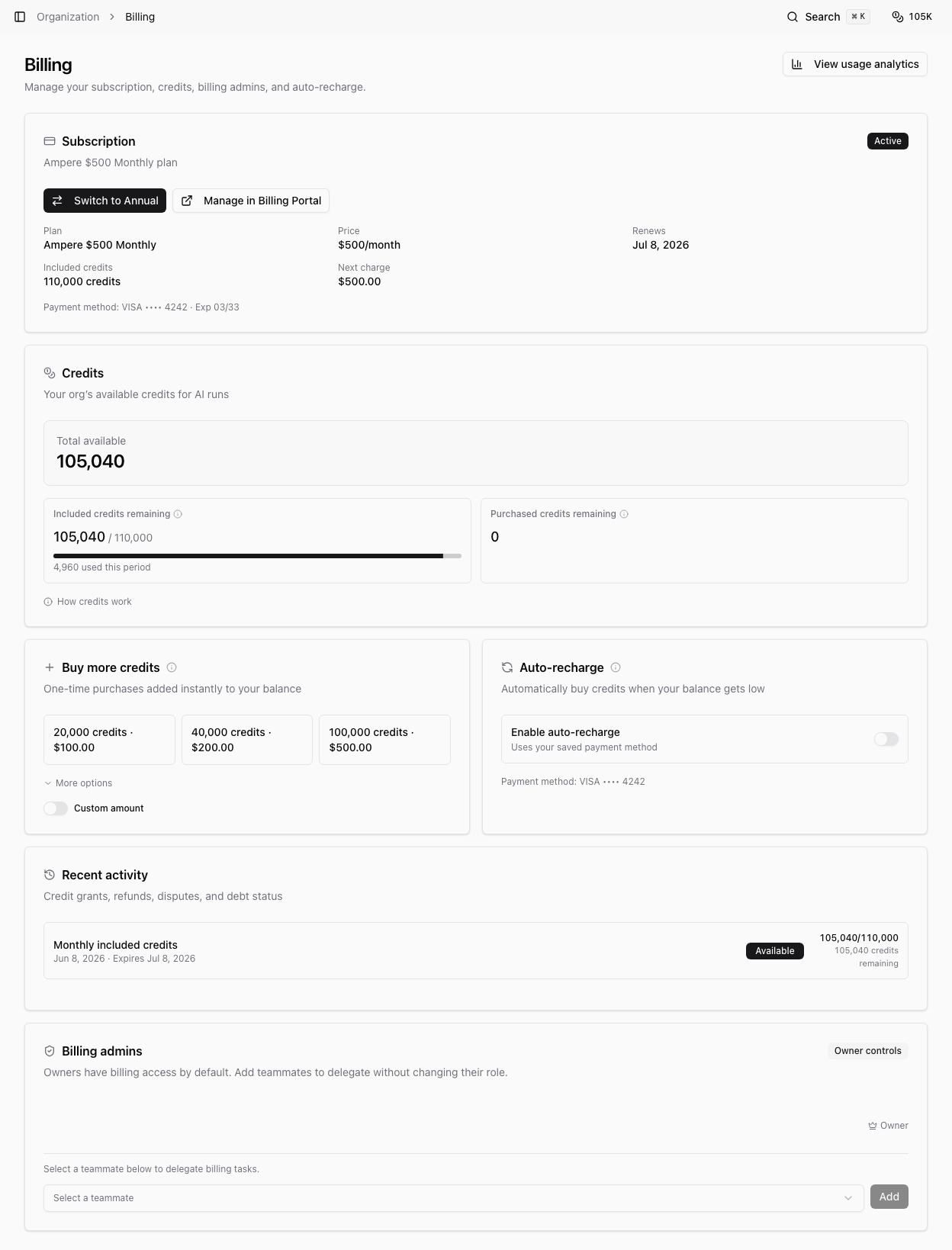
You may see the locked state in the credit badge, Billing page, usage surfaces, or a billing warning overlay.
Why debt can appear
Debt can happen when already-admitted work consumes more credits than were available, or when refunded or disputed credits were already used. Ampere tracks this as outstanding usage or refund/dispute debt.
When debt exists, future billable starts are blocked until the shortfall is repaid, offset, or settled by eligible credits.
What locked credits mean
Purchased credits can become locked for new work after a subscription ends. Locked purchased credits are not available to start fresh AI usage, but they may still settle eligible outstanding debt before any remaining credits become usable again.
If you reactivate the subscription before purchased credits expire, remaining purchased credits can become usable again after debt settlement rules are satisfied.
What billing users can do
If you are an owner or billing admin, open Billing from the warning or credit popover. Review the subscription state, payment method, top-up options, invoices, and outstanding usage message.
Depending on the state, the next step may be:
- Add credits.
- Resume or start a subscription.
- Update a payment method in the billing portal.
- Resolve a refund or dispute shortfall.
- Wait for newly granted credits to settle debt first.
What non-billing users can do
If you do not have billing access, ask an organization owner or billing admin to resolve the balance. New Ampere sessions, AI Tool runs, scheduled runs, and other billable AI starts may remain paused until they do.
What remains accessible
A locked balance pauses new billable AI work. It does not mean every page disappears. You can usually still review existing history, settings, saved outputs, and billing information you have permission to access.
Was this article helpful?
Related articles
Learn how billing admins can buy one-time top-up credits and when those credits become available.
Learn who can manage invoices and payment methods and how to open the Billing Portal from Ampere.
Learn what happens when credits run out in Ampere with product-grounded steps, current limits, and where to go next.