Generate a marketing video script package with Ampere
Learn how to prompt Ampere for paid social, founder, UGC-style, or product demo video script packages.
Last reviewed August 2026
Ampere can create a marketing video script package for paid social, founder videos, UGC-style concepts, product demos, and launch explainers. The package can include script options, shot lists, hooks, captions, and production notes.
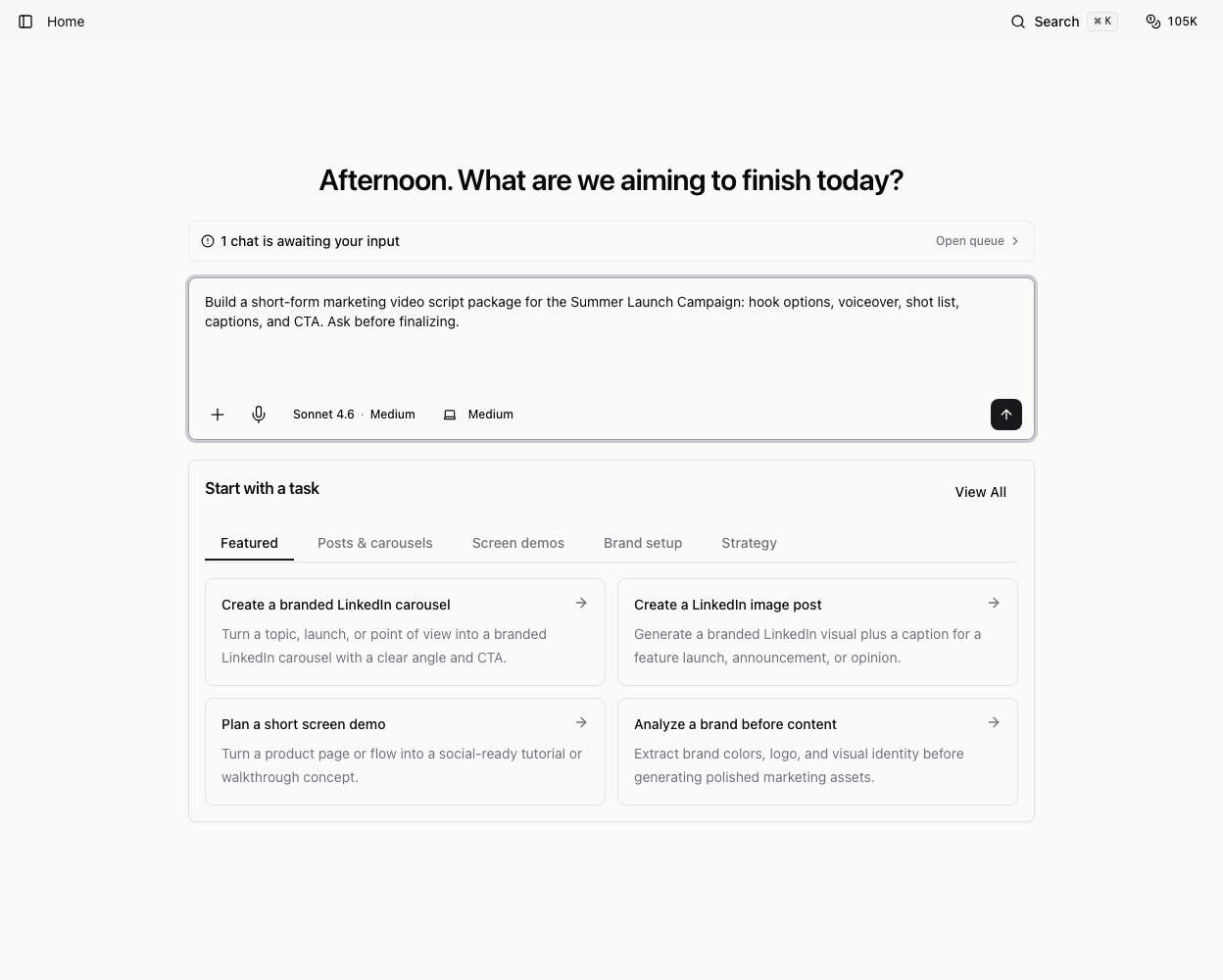
Use this workflow when you need the plan and copy for a video, not necessarily the final edited video file.
Choose the video type
Tell Ampere what kind of video you want:
- Founder-led announcement.
- Product demo or walkthrough.
- Paid social ad concept.
- UGC-style testimonial or creator brief.
- Explainer, comparison, or launch video.
Include the platform, target length, audience, offer, and where the video will be used.
Provide the source material
Useful source material includes a product page, project brief, demo steps, campaign notes, customer-safe proof points, screenshots, or a previous report.
Example prompt:
"Create a 45-second founder-led video script package for this launch. Include three hooks, the final script, shot list, on-screen text, caption, and a checklist for recording."
Review the package
Check the script for accuracy, claim safety, pacing, and whether the shots are realistic for your team. Make sure any customer examples, metrics, or competitive claims are approved.
If the output is too broad, ask Ampere to revise by constraint:
- "Make the hook more specific to seed-stage founders."
- "Shorten this to 30 seconds."
- "Add a product-screen walkthrough beat."
- "Rewrite as a casual creator brief instead of a polished brand video."
Save the final handoff
Ask Ampere to save the final package as a Markdown document, deck, or project asset if you want to reuse it later. Keep the final script, shot list, captions, and production notes together so the recording or editing step is easy to hand off.
Was this article helpful?
Related articles
Use catalog categories to find the right AI Tool for visuals, video, voice, audio, research, and web extraction.
Learn how to ask Ampere for a screen demo or walkthrough and review the resulting script or assets.
Learn review and edit outputs in Ampere with product-grounded steps, current limits, and where to go next.