Your first Joule session
Learn how to start a first Joule session, what to include in your prompt, and what to review next.
Last verified about 2 months ago
Use your first Joule session when you want Ampere to help plan, draft, or create marketing work from a plain-language request. You can start from a blank prompt on Home, choose a starter task, or open the full Joule workspace when you want more room to review the conversation and files.
Joule is helpful for first drafts, research, creative direction, content ideas, and marketing assets. You still review the work, ask for revisions, and decide what is ready to use.
Before you start
You need an Ampere account and access to an organization. Your organization also needs enough credits for Joule messages and any AI Tool or browser work Joule uses during the session.
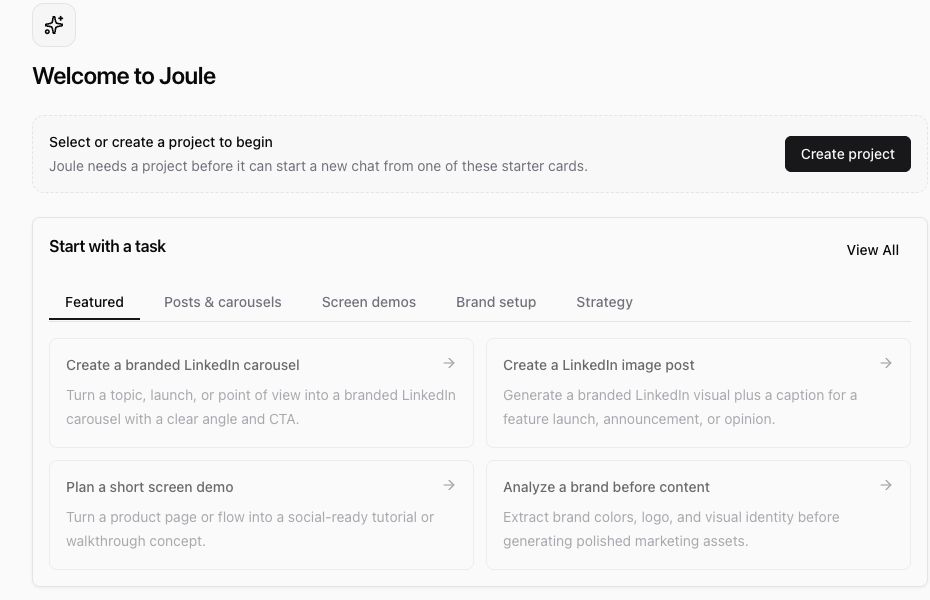
If Joule asks you to select or create a project, choose the project that matches the work you want to do. Projects help Ampere keep useful context together, such as briefs, uploaded files, brand assets, and project-specific sessions.
Start from Home
- Open Home.
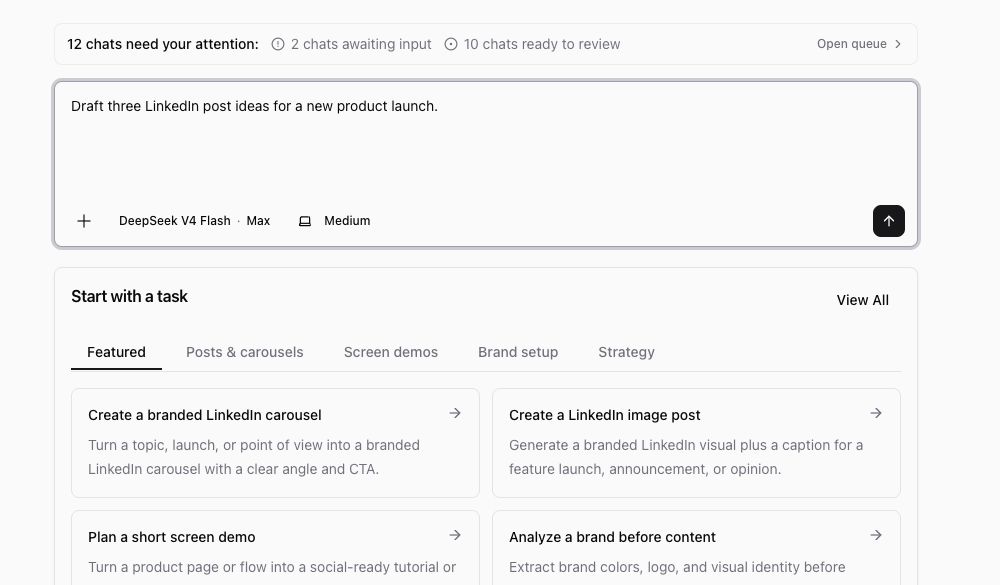
- Type the outcome you want into the Joule composer, or choose one of the starter task cards.
- Add the most useful context in the prompt. Include the audience, goal, source material, brand or product, format, and any deadline or constraint that would change the answer.
- Leave the response and machine controls at their defaults unless you know you need a different setting.
- Select Start with Joule.
For a first session, use a task that is specific but not overloaded. These are good starter shapes:
- "Draft three LinkedIn post ideas for our launch next week. The audience is founders at small B2B SaaS companies."
- "Turn this product update into five campaign angles for a founder-led LinkedIn post."
- "Help me plan a short screen demo for this feature. Ask me for anything you need before drafting."
Avoid packing several independent jobs into the first prompt, such as research, strategy, visual production, paid ads, and a final deck all at once. Start with one outcome, then ask Joule to continue once you can see the direction.
What happens next
After you start, Ampere opens a Joule session. Depending on the task, Joule may draft a plan, ask a clarifying question, use workspace files, browse when useful, run AI Tools, or create files you can preview and download.
You do not need to know how Joule chooses tools or models to use it well. Focus on the marketing outcome and keep the conversation concrete. If Joule asks a question, answer with the missing context. If the first result is close but not right, ask for a revision instead of starting over.
Review the result
Before you use anything Joule creates, review it the same way you would review a teammate's draft:
- Check facts, names, links, claims, and numbers.
- Make sure the tone matches your brand and audience.
- Open any generated files and confirm the format is what you expected.
- Ask Joule to revise, shorten, expand, or change direction when needed.
- Download or save the output only after you are comfortable using it.
AI output can be incomplete or inaccurate, and public web or social data may be partial or unavailable. Treat Joule as a capable starting point, not a replacement for your judgment.
If your first session does not start
If the button is disabled, check that the prompt box has text and that any required project selection is complete. If the session opens but Joule asks for more information, answer the question in the chat. If a run cannot continue because credits are unavailable, ask an owner or billing admin to review the organization's credit balance.
A good first outcome
A successful first session does not need to produce the final version of a campaign. It should help you move from a blank page to something reviewable: a plan, outline, draft, file, creative direction, or next set of prompts you can build on.
Was this article helpful?