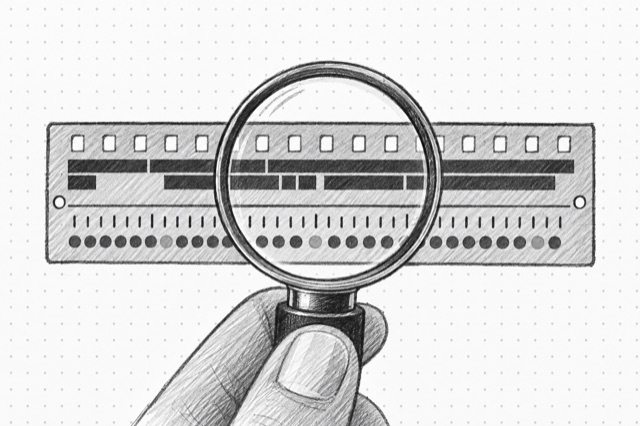
YouTube Video Details
Fetch a public YouTube video or Short by URL or video ID, including title, description, channel summary, engagement counts, duration, captions, chapters, keywords, and watch-next signals.
No card required
Inputs
Loading workflow structure...
Overview
YouTube Video Details fetches one public YouTube video or Short by URL or video ID, including title, description, channel summary, engagement, duration, captions, chapters, keywords, and watch-next signals when returned. Use it to inspect one video before transcript, comment, or competitive-content analysis.
Use cases
- Capture a specific video's title, description, channel, duration, publish timing, and engagement counts.
- Check caption tracks, chapters, keywords, collaborators, paid-promotion indicators, and related videos.
- Use one video detail result as the starting point for transcript, comments, or competitive-content follow-up.
Input tips
- Provide a public YouTube video URL, Short URL, or 11-character video ID.
- Add a short language code only when localized metadata matters.
- Use YouTube Search or YouTube Channel Videos when you need to discover candidate videos first.
- Use YouTube Transcript when you need transcript text rather than metadata.
Expected output
The AI Tool returns lookup status, source video ID or URL, requested language when provided, optional normalized video details, warnings, normalization notes, additional recovered fields, and cost metadata. Video details can include ID, URLs, title, description, description links, thumbnail, channel summary, view, like, and comment counts, publish timing, duration, badges, keywords, genre, caption tracks, collaborators, chapters, watch-next videos, paid-promotion flag, and recovered per-field data when returned.
Caveats
- Only public video data returned by the source is included.
- Captions, chapters, keywords, watch-next videos, and engagement counts may be missing or change after the run.
- Caption tracks show availability; use YouTube Transcript to extract transcript text.
- Removed, private, age-restricted, or region-limited videos may return partial or unavailable data.
Related AI Tools
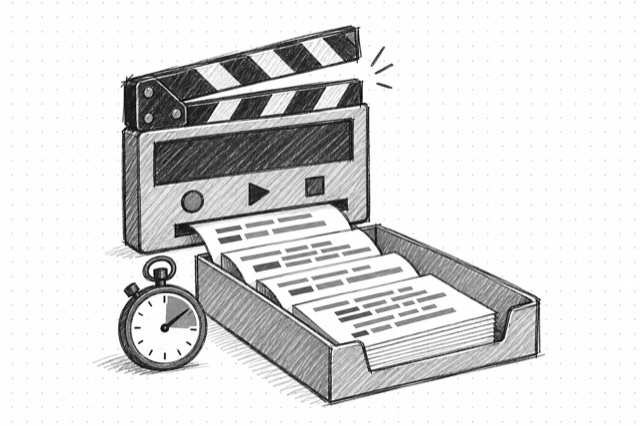
YouTube Transcript
Create a timestamped, speaker-labeled transcript of the speech in a public YouTube video. Speaker labels and wording are estimates; verify important quotes against the video.
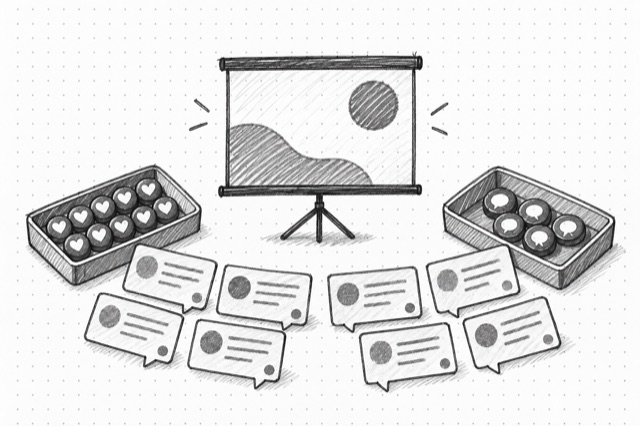
YouTube Video Comments
Fetch one page of public YouTube video comments with author details, engagement counts, reply tokens, and top or newest ordering.
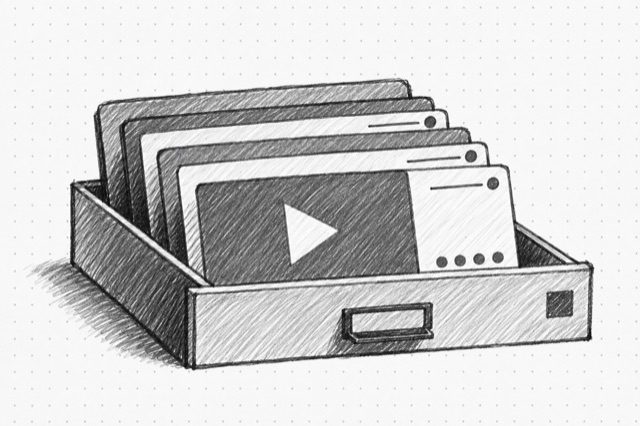
YouTube Channel Videos
Fetch one page of public videos for a YouTube channel by ID or handle, sorted by latest or popular, with normalized video summaries, engagement stats, channel summaries, and pagination cursors.