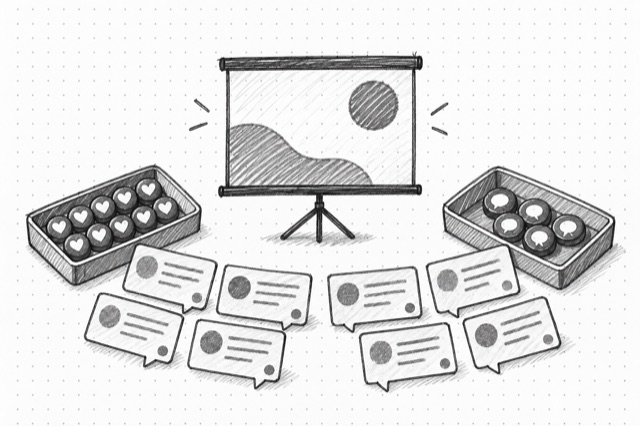
YouTube Video Comments
Fetch one page of public YouTube video comments with author details, engagement counts, reply tokens, and top or newest ordering.
No card required
Inputs
Loading workflow structure...
Overview
YouTube Video Comments fetches one page of public comments for a YouTube watch URL, Shorts URL, youtu.be URL, or video ID, with top/newest ordering and continuation-token pagination. It returns comment text, author summaries, engagement counts, reply expansion tokens, and next-page tokens for audience language and objection research.
Use cases
- Review public YouTube comments for audience questions, objections, praise, and recurring language.
- Compare top and newest comments to separate high-engagement feedback from recent reactions.
- Collect reply tokens for comments that need deeper thread review.
Input tips
- Provide a YouTube watch URL, Shorts URL, youtu.be URL, or 11-character video ID.
- Choose top or newest ordering; omit order to default to top.
- Leave continuation token blank to fetch the first comments page.
- Use returned reply tokens with YouTube Comment Replies to inspect replies for one comment.
Expected output
The AI Tool returns availability status, lookup kind, canonical source video URL, requested order, requested continuation token, normalized comments, next continuation token, comment count, reply expansion count, provider messages, normalization notes, additional recovered fields, and cost metadata. Comments can include IDs, text, relative or absolute publish times, nesting level, author channel summaries, like and reply counts, reply tokens, and recovered fields.
Caveats
- Each run returns one comments page, not the full discussion.
- Comments can be disabled, moderated, hidden, deleted, or unavailable for some videos.
- Ordering, counts, continuation tokens, and reply tokens can change after the run.
- Reply tokens only indicate expandable replies; use YouTube Comment Replies for actual reply pages.
Related AI Tools
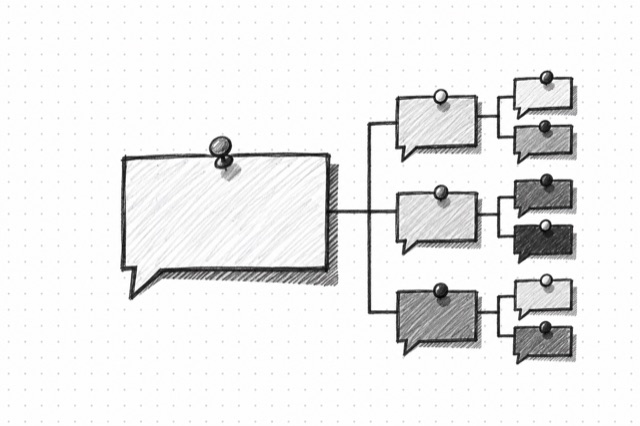
YouTube Comment Replies
Fetch one page of replies for a YouTube comment using a reply token returned by Video Comments or a next-page token returned by a previous replies page.

YouTube Video Details
Fetch a public YouTube video or Short by URL or video ID, including title, description, channel summary, engagement counts, duration, captions, chapters, keywords, and watch-next signals.
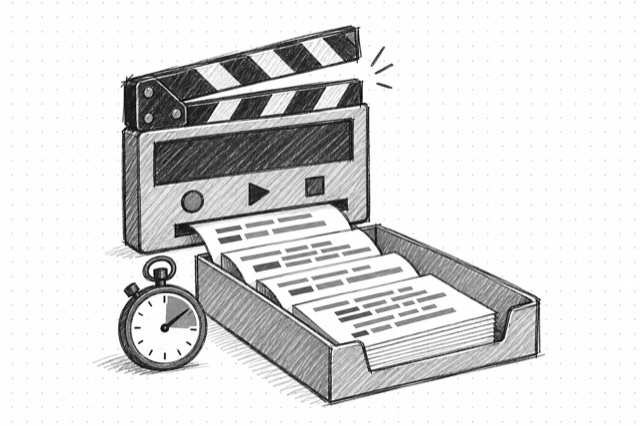
YouTube Transcript
Create a timestamped, speaker-labeled transcript of the speech in a public YouTube video. Speaker labels and wording are estimates; verify important quotes against the video.

YouTube Search
Search public YouTube videos, Shorts, channels, playlists, shelves, and live results by query with optional filters, pagination, and explicit caveats for leaky upload-date and no-result behavior.