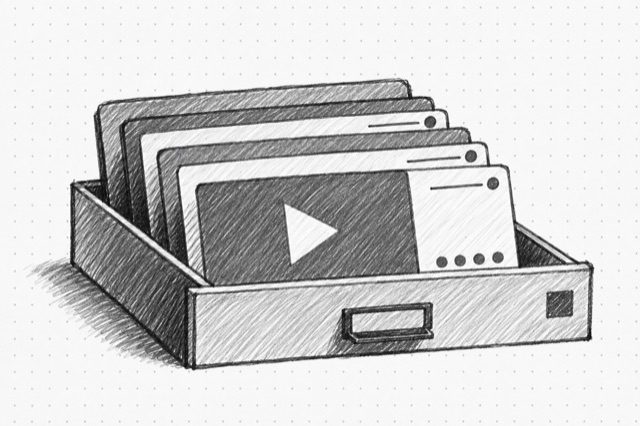
YouTube Channel Videos
Fetch one page of public videos for a YouTube channel by ID or handle, sorted by latest or popular, with normalized video summaries, engagement stats, channel summaries, and pagination cursors.
No card required
Inputs
Loading workflow structure...
Overview
YouTube Channel Videos fetches one public page of videos for a YouTube channel by channel ID or handle, sorted by latest or popular. Use it to sample a channel's recent or high-performing uploads, Shorts, lives, and related video-page records before deeper video-level analysis.
Use cases
- Review a channel's latest or popular public videos before a creator, competitor, or content brief.
- Collect video titles, URLs, thumbnails, durations, publish timing, view and engagement signals, and channel summaries.
- Use continuation tokens to page through more channel video results when available.
Input tips
- Provide either a YouTube channel ID or handle, not both.
- Choose latest for recent uploads or popular for higher-performing videos.
- Paste a returned continuation token to fetch the next page.
- Turn on extras only when richer video details are worth a slower result.
Expected output
The AI Tool returns lookup status, source channel ID or handle, sort mode, requested continuation token, include-extras flag, typed video groups, flattened results, next continuation token when available, warnings, normalization notes, additional recovered fields, and cost metadata. Results can include long-form videos, Shorts, lives, channel records, playlists, shelves, and normalized video summaries with IDs, URLs, titles, descriptions, thumbnails, channel summaries, view, like, comment, duration, publish, badge, keyword, caption, collaborator, chapter, paid-promotion, and watch-next fields when returned.
Caveats
- Each run returns one page, not a complete channel archive.
- Sort order, continuation tokens, counts, thumbnails, and public availability can change after the run.
- Some channels may return empty pages under a selected sort.
- Extras can add detail but may still omit fields the source does not return.
Related AI Tools
YouTube Channel Details
Fetch a public YouTube channel by ID, handle, or URL, including identity, description, links, avatar and banner images, subscriber counts, video counts, and available channel stats.
YouTube Video Details
Fetch a public YouTube video or Short by URL or video ID, including title, description, channel summary, engagement counts, duration, captions, chapters, keywords, and watch-next signals.
YouTube Transcript
Create a timestamped, speaker-labeled transcript of the speech in a public YouTube video. Speaker labels and wording are estimates; verify important quotes against the video.