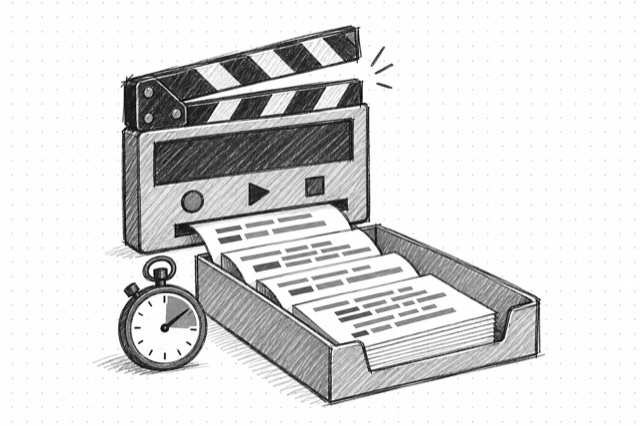
YouTube Transcript
Create a timestamped, speaker-labeled transcript of the speech in a public YouTube video. Speaker labels and wording are estimates; verify important quotes against the video.
No card required
Inputs
Loading workflow structure...
Overview
YouTube Transcript creates a timestamped, speaker-labeled transcript from the speech in a public YouTube video. Paste a video URL or ID to get readable speaker turns without downloading the video first.
Use cases
- Turn public YouTube speech into timestamped speaker turns and plain text.
- Pull wording, hooks, claims, examples, or structure from one public video for review.
- Review the detected spoken language and speaker turns before summary or clip analysis.
Input tips
- Provide a public YouTube video URL, Short URL, or 11-character video ID.
- Leave the spoken-language hint blank for automatic detection.
- Use YouTube Video Details first when you need video context.
- Speaker labels are anonymous estimates, not people's names.
Expected output
The AI Tool returns generated speaker turns with start and end times, detected language, plain transcript text, source video, and duration-based cost metadata. A no-speech result is reported only when the recording duration can be verified.
Caveats
- The video must be public and accessible to the transcription service.
- Speech recognition, speaker labels, and timing can be inaccurate, especially with overlap or poor audio.
- Verify important quotations against the video before publishing or citing them.
Related AI Tools
YouTube Video Details
Fetch a public YouTube video or Short by URL or video ID, including title, description, channel summary, engagement counts, duration, captions, chapters, keywords, and watch-next signals.
YouTube Video Comments
Fetch one page of public YouTube video comments with author details, engagement counts, reply tokens, and top or newest ordering.
YouTube Search
Search public YouTube videos, Shorts, channels, playlists, shelves, and live results by query with optional filters, pagination, and explicit caveats for leaky upload-date and no-result behavior.