OpenAI GPT-4o Speaker Diarization
Transcribe audio with speaker identification using GPT-4o transcribe diarize. Identifies who said what with speaker-labeled segments and timing. Supports known speaker references for accurate labeling. Best for meetings, interviews, and podcasts. Maximum file size 25 MB.
No card required
Inputs
Loading workflow structure...
Overview
OpenAI GPT-4o Speaker Diarization transcribes a public audio or video file into transcript text with speaker-labeled segments and timing. Use it for meetings, interviews, podcasts, panel audio, and video clips when you need to see who said what rather than a single combined transcript.
Use cases
- Turn a customer interview into speaker-separated notes for quotes, summaries, and follow-up content.
- Transcribe a podcast or panel clip with speaker labels before creating captions or show notes.
- Create a meeting transcript that keeps speaker turns separate for review and research.
- Use known speaker references when you want the AI Tool to label up to four expected speakers.
Input tips
- Provide a public audio_url or video URL that can be downloaded without login.
- Keep source files within the 25 MB maximum.
- Leave language blank for auto-detection, or select a language when it is known.
- Keep response_format set to diarized_json when you need speaker-labeled segments.
- Pair known_speaker_names with matching public known_speaker_references when labeling known speakers.
- Use short, clean speaker reference clips when known speaker labeling matters.
Expected output
The AI Tool returns full transcript text, optional detected or specified language code, optional audio duration, total word count, optional detected speaker count, a downloadable segment-data JSON URL with speaker labels and start/end times, and cost metadata. The output view supports copying the transcript, toggling speaker view, and downloading segment data.
Caveats
- Speaker labels and transcript text should be reviewed before quoting, publishing, or using as a source of record.
- Noisy audio, overlapping speakers, accents, music, or poor source quality can reduce accuracy.
- This diarized mode does not support prompt guidance for terminology.
- Known speaker names and reference clips must be provided as matching pairs.
- Segment data is returned as a downloadable JSON file rather than embedded inline.
Related AI Tools
OpenAI GPT-4o Speech-to-Text
Transcribe audio or video files using GPT-4o transcribe models. Supports prompt guidance for improved accuracy with proper nouns and terminology. Best for single-speaker content or when speaker identification is not needed. Maximum file size 25 MB.
ElevenLabs Scribe Transcription
Transcribe audio or video files using the Scribe speech-to-text model with automatic language detection, speaker diarization, and word-level timestamps. Ideal for meeting notes, podcast transcription, and subtitle generation.
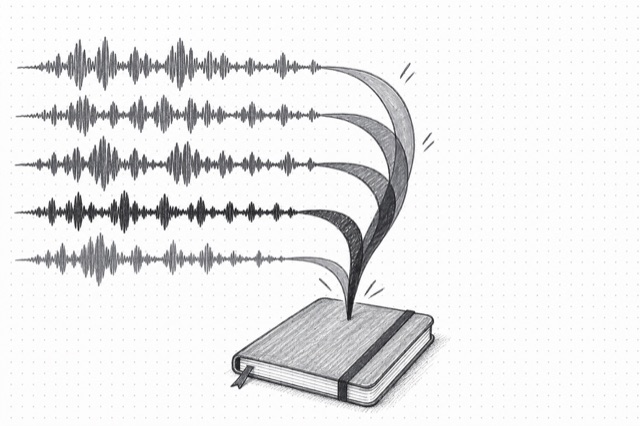
ElevenLabs Scribe Transcription Multichannel
Transcribe multi-channel audio files with separate transcripts for each channel (up to 5 channels). Each channel represents one speaker. Perfect for call center recordings, stereo interviews, and multi-mic setups where each speaker is on a separate channel.
Audio-Text Forced Alignment
Force align an audio file to a text transcript and get precise timing information for each character and word. Ideal for subtitles, lip-sync, karaoke, and audio-text synchronization.