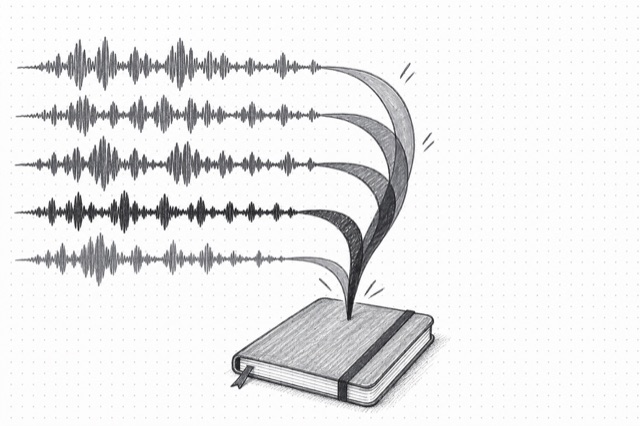
ElevenLabs Scribe Transcription Multichannel
Transcribe multi-channel audio files with separate transcripts for each channel (up to 5 channels). Each channel represents one speaker. Perfect for call center recordings, stereo interviews, and multi-mic setups where each speaker is on a separate channel.
No card required
Inputs
Loading workflow structure...
Overview
ElevenLabs Scribe Transcription Multichannel transcribes stereo or multichannel audio into separate channel transcripts. Use it when each speaker is already isolated on a channel, such as call recordings, multi-mic interviews, stereo podcasts, or panel audio, and you need per-channel text and timing.
Use cases
- Transcribe a stereo interview where host and guest are recorded on separate channels.
- Process call-center or customer interview audio with agent and customer split by channel.
- Download per-channel word timing JSON for captions, edits, or transcript QA.
- Copy all channel transcripts into a research or content-repurposing brief.
Input tips
- Provide a public audio_url that can be fetched without login.
- Use this AI Tool when speakers are separated by channel; use diarization when speakers share one channel.
- Multichannel mode supports up to 5 channels; each channel is treated as one speaker.
- Leave language_code blank for per-channel auto-detection, or set it when the language is known.
- Choose word, character, or no timestamps based on the timing detail you need.
- Enable tag_audio_events when laughter, music, applause, or similar events matter.
- Use seed and temperature only when comparing repeat runs.
Expected output
The AI Tool returns an array of channel transcripts with channel index, detected language and confidence, transcript text, word count, downloadable word-timing JSON URL, channel count, total word count, optional transcription ID, and cost metadata. The output view shows per-channel cards with copy and timing-download actions.
Caveats
- Audio URLs must be public and reachable.
- This is for separated channels; it does not diarize multiple speakers mixed into one channel.
- Each channel is treated as one speaker, so channel setup affects transcript usefulness.
- Noisy audio, crosstalk, music, or poor mic separation can reduce accuracy.
- Timing data is returned as per-channel JSON downloads, not embedded inline.
- Review transcripts before publishing or using them as a source of record.
Related AI Tools
ElevenLabs Scribe Transcription
Transcribe audio or video files using the Scribe speech-to-text model with automatic language detection, speaker diarization, and word-level timestamps. Ideal for meeting notes, podcast transcription, and subtitle generation.
OpenAI GPT-4o Speaker Diarization
Transcribe audio with speaker identification using GPT-4o transcribe diarize. Identifies who said what with speaker-labeled segments and timing. Supports known speaker references for accurate labeling. Best for meetings, interviews, and podcasts. Maximum file size 25 MB.
Audio-Text Forced Alignment
Force align an audio file to a text transcript and get precise timing information for each character and word. Ideal for subtitles, lip-sync, karaoke, and audio-text synchronization.