
Veo 3.1 First-Last-Frame-to-Video
Generate videos that transition between a first and last frame image using Google's Veo3.1 model with native audio generation support
No card required
Inputs
Loading workflow structure...
Overview
Veo 3.1 First-Last-Frame-to-Video turns a starting image, ending image, and transition prompt into a short generated video using Google's Veo 3.1 model, with optional native audio. Use it for product reveals, before-and-after concepts, and campaign moments where both the opening and final visuals matter.
Use cases
- Create a product reveal that begins on one image and lands on a specific final frame.
- Turn two campaign stills into a before-and-after social video draft.
- Guide a transition between a starting scene and final offer, package, or result image.
- Compare duration, resolution, aspect ratio, and audio choices for the same two frames.
Input tips
- Provide public first_frame_image_url and last_frame_image_url values that can be fetched without login.
- Write a prompt that explains the transition, camera movement, action, mood, and any audio needs.
- Keep prompts under 2,500 characters.
- Choose 4s, 6s, or 8s duration; 720p or 1080p resolution; and auto, 16:9, or 9:16 aspect ratio.
- Leave generate_audio on for native audio; use auto_fix only when prompt repair is acceptable.
Expected output
The AI Tool returns one generated video file with a downloadable URL and optional content type, file name, file size, width, and height when available, plus cost metadata. The shared video output view renders the video for playback, review, and download; duration is requested input, not returned as output metadata.
Caveats
- Both frame image URLs must be public and reachable.
- First and last frames guide the transition but do not guarantee exact timing, framing, or motion.
- This AI Tool does not expose seed, negative-prompt, safety-tolerance, or reference-image-set controls.
- Generated motion, audio, people, products, brand marks, and text should be reviewed before use.
- auto_fix may rewrite the prompt; review the result against your original intent.
- Use image-to-video AI Tools when only a starting source image is needed.
Related AI Tools
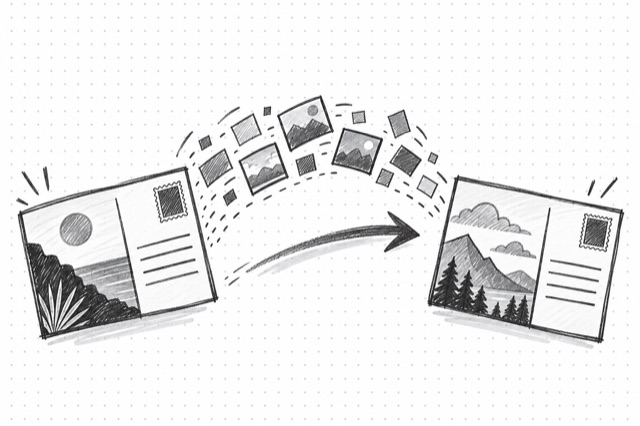
Veo 3.1 Fast First-Last-Frame-to-Video
Generate videos that transition between a first and last frame image using Google's Veo3.1 Fast model for faster results with native audio generation support
Veo 3.1 Image-to-Video
Generate high-quality videos from images using Google's Veo3.1 model with native audio generation support
Veo 3.1 Reference-to-Video
Generate videos from multiple reference images with consistent subject appearance using Google's Veo3.1 model