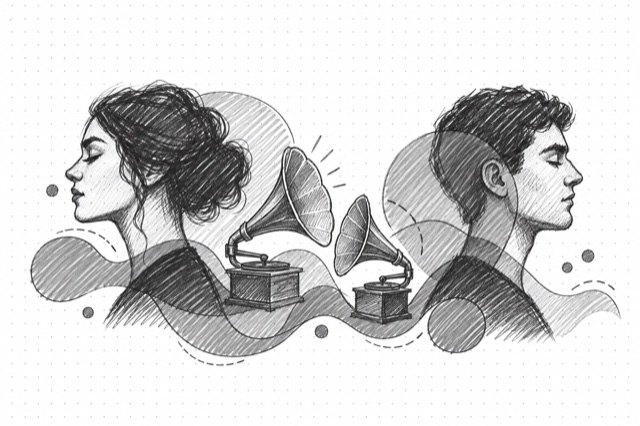
MultiTalk Multi-Speaker Audio-to-Video
Generate talking avatar videos with two speakers from a portrait image and two audio files using MultiTalk for natural conversation animation
No card required
Inputs
Loading workflow structure...
Overview
MultiTalk Multi-Speaker Audio-to-Video turns one portrait image and one or two premade audio tracks into a talking-avatar video for conversation-style clips. Use it for podcast snippets, interview drafts, two-speaker explainers, or single-speaker tests inside the multi-speaker model.
Use cases
- Create a two-speaker conversation draft from one portrait image and two audio tracks.
- Prototype podcast, interview, or dialogue-style campaign clips for review.
- Use single-speaker mode when only first_audio_url should drive the avatar.
- Compare frame count, resolution, acceleration, and seed settings for variants.
Input tips
- Provide public image_url and first_audio_url values that can be fetched without login.
- Add second_audio_url for dual-speaker output, or set use_only_first_audio for single-speaker mode.
- Write a prompt describing conversation setting, speaker behavior, and visual style.
- Use clean, separated audio tracks so speaker timing is easier to judge.
- Choose 41-241 frames; 181 is the default.
- Choose 480p or 720p resolution; 480p is the default.
- Use acceleration and seed when speed or repeatable variants matter.
Expected output
The AI Tool returns one generated talking-avatar video with a downloadable URL, duration in seconds, optional content type, file name, file size, the seed used, and cost metadata. The MultiTalk output view renders video playback and shows the model label plus seed.
Caveats
- Missing second_audio_url fails unless use_only_first_audio is enabled.
- This AI Tool uses premade audio; it does not create voices, clone voices, or write dialogue.
- Private, expired, or blocked image and audio URLs will fail.
- Poor audio, cropped portraits, or unclear prompt context can reduce speaker timing and lip-sync quality.
- Review whether the result clearly communicates the intended speaker setup.
- Generated facial motion should be reviewed for realism, consent, brand fit, and policy fit.
Related AI Tools
MultiTalk Audio-to-Video
Generate talking avatar videos from a portrait image and audio file using MultiTalk for natural lip-synced animation
MultiTalk Multi-Speaker Video
Generate talking avatar videos with two speakers conversing from a portrait image and two text inputs using MultiTalk with dual voice synthesis
InfiniTalk Audio-to-Video
Generate talking head videos from a portrait image and audio using InfiniTalk for natural lip-synced speech animation