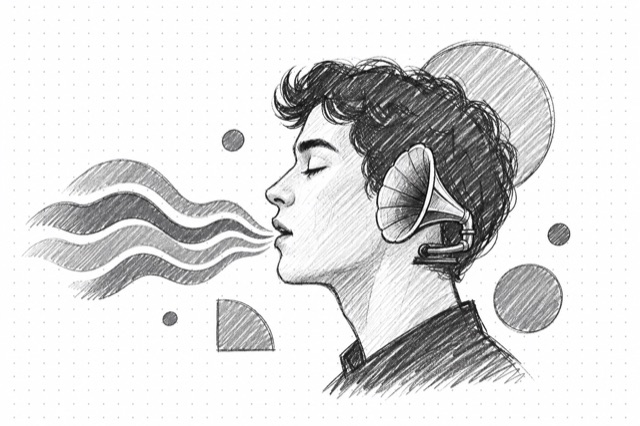
MultiTalk Audio-to-Video
Generate talking avatar videos from a portrait image and audio file using MultiTalk for natural lip-synced animation
No card required
Inputs
Loading workflow structure...
Overview
MultiTalk Audio-to-Video turns a portrait image and premade audio track into a lip-synced talking-avatar video, guided by a prompt. Use it for one-speaker avatar clips, explainers, ad reads, and social drafts when the spoken audio is already final.
Use cases
- Turn a founder portrait and voiceover into a short talking-avatar draft.
- Create a social or explainer clip from prepared narration and a portrait image.
- Use the prompt to guide expression, framing, or scene context around the speaker.
- Test 480p or 720p, frame count, acceleration, and seed settings for review variants.
Input tips
- Provide public image_url and audio_url values that can be fetched without login.
- Write a prompt that describes the desired talking-avatar style, context, and motion.
- Use a clear, face-forward portrait and clean speech audio.
- Choose 41-241 frames; 145 is the default.
- Choose 480p or 720p resolution; 480p is the default.
- Use acceleration and seed when speed or repeatable variants matter.
Expected output
The AI Tool returns one generated talking-avatar video with a downloadable URL, duration in seconds, optional content type, file name, file size, the seed used, and cost metadata. The MultiTalk output view renders video playback and shows the model label plus seed.
Caveats
- This AI Tool uses premade audio; it does not create the voice track, clone a voice, or write the script.
- Private, expired, or blocked image and audio URLs will fail.
- Poor audio, cropped portraits, low-quality faces, or mismatched prompt context can reduce lip-sync quality.
- Generated facial motion should be reviewed for realism, consent, brand fit, and policy fit.
- Frame count, resolution, and acceleration settings guide generation, but output still needs timing review.
- Use MultiTalk Multi-Speaker Audio-to-Video when you need two audio tracks or conversation-style output.
Related AI Tools
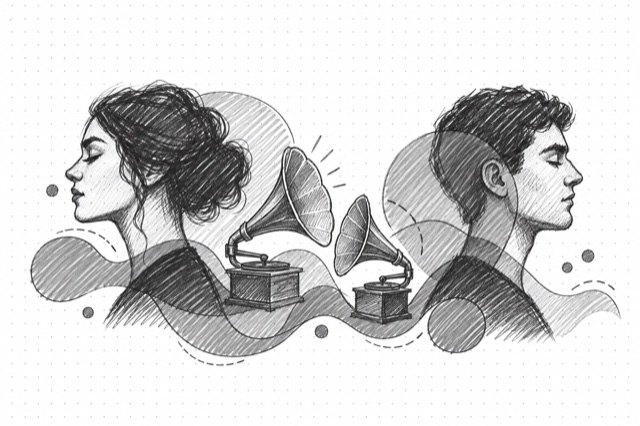
MultiTalk Multi-Speaker Audio-to-Video
Generate talking avatar videos with two speakers from a portrait image and two audio files using MultiTalk for natural conversation animation
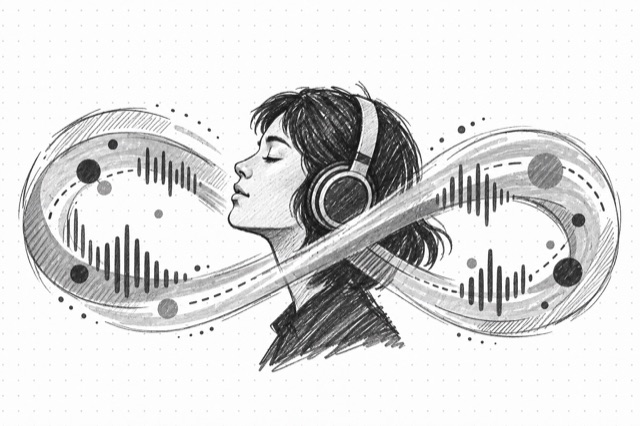
InfiniTalk Audio-to-Video
Generate talking head videos from a portrait image and audio using InfiniTalk for natural lip-synced speech animation
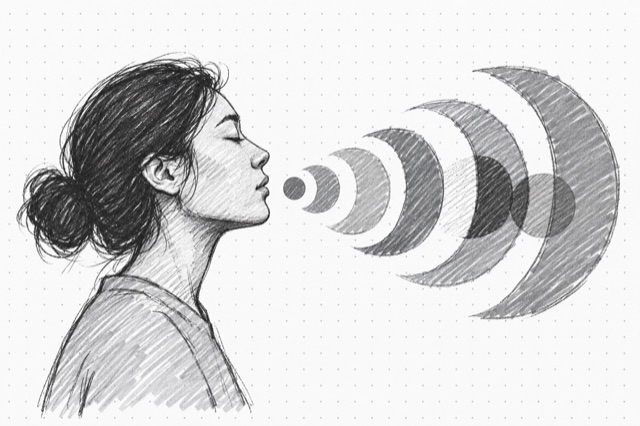
Hunyuan Avatar
Generate avatar videos from a portrait image and audio using Tencent's Hunyuan Avatar model for natural lip-synced speech animation with turbo mode support