
LinkedIn Post Scraper
Scrape LinkedIn posts without risking your account. Provide post URLs, search URLs, or search terms with filters to extract post content, author info, engagement metrics, and media.
No card required
Inputs
Loading workflow structure...
Overview
LinkedIn Post Scraper collects public LinkedIn posts from supplied post URLs, LinkedIn content-search URLs, or search terms with filters. Use it to gather multiple posts for message analysis, author context, engagement snapshots, media review, and audience-response research.
Use cases
- Collect several LinkedIn posts from known URLs for a content or competitor brief.
- Search LinkedIn posts by keyword with optional recency, sort, or content-type filters.
- Review post text, authors, media, comments, reactions, and entity mentions when returned.
Input tips
- Provide LinkedIn post URLs, LinkedIn content-search URLs, search terms, or a mix of them.
- Do not use profile URLs or company page URLs as direct sources.
- Use limitPerSource to keep each source focused.
- Use scrapeUntil when older posts are out of scope.
- Lower comment and reaction limits when a compact audience snapshot is enough.
Expected output
The AI Tool returns success status, LinkedIn post records, total post count, processed URL count, failed URLs, post-prep errors, and cost metadata. Post fields can include URN, post URL, share URN, text, post type, repost flag, author type, author name, author profile URL and ID, headline, profile image, follower count, posted timestamps, likes, comments, shares, audience label, images, video URL, video thumbnail, source URL, visible comments, reactions, and entity mentions.
Caveats
- Only public LinkedIn content that can be reached from the supplied sources is returned.
- Search terms and search URLs can return partial or changing result sets.
- Comments, reactions, media, and engagement counts may be capped, missing, or changed after the run.
- Images and video URLs can expire or fail to render later.
- Use LinkedIn Post Finder when you only need one known post.
Related AI Tools
LinkedIn Post Finder
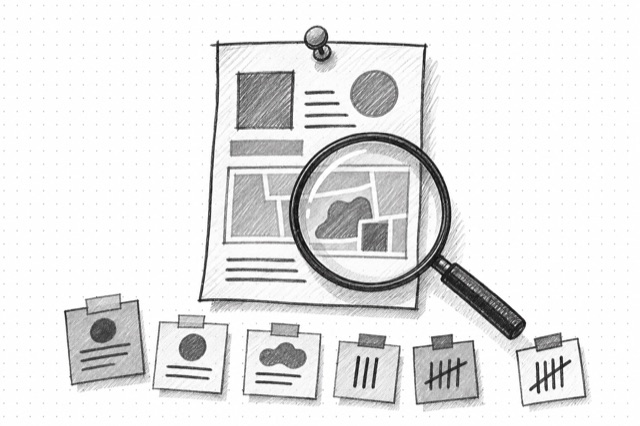
Fetch a public LinkedIn post or article from a URL, including text, author information, publication date, engagement counts, comments, and related articles when available.
LinkedIn Company Posts
Fetch one page of public LinkedIn posts from a company page, including post URLs, IDs, publication dates, and full text when available.

LinkedIn Profile Finder
Fetch a public LinkedIn profile from a profile URL, including identity, bio, follower count, activity, experience, education, projects, recommendations, and similar profiles when available.