LinkedIn Post Finder
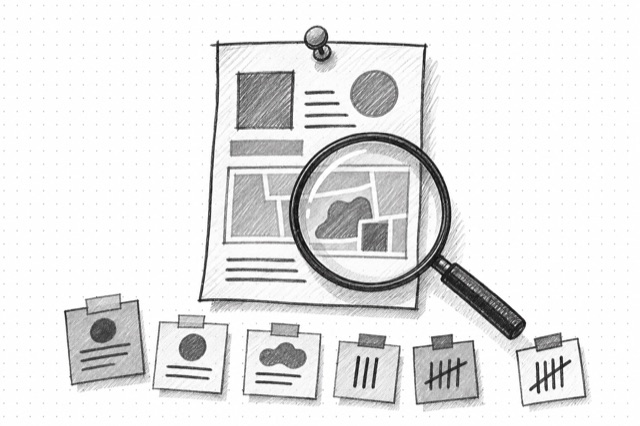
Fetch a public LinkedIn post or article from a URL, including text, author information, publication date, engagement counts, comments, and related articles when available.
No card required
Inputs
Loading workflow structure...
Overview
LinkedIn Post Finder fetches one public LinkedIn post or article from a URL. Use it when a specific post is worth a closer teardown for message, author context, published date, engagement counts, comments, related articles, or source quotes for a brief.
Use cases
- Inspect one LinkedIn post before citing it in a campaign or competitor brief.
- Review author, post text, published date, and engagement counts for a content teardown.
- Collect visible comments and related-article context around a post or article.
Input tips
- Paste a public LinkedIn post, feed update, or article URL.
- Use a post URL, not a profile URL, company page URL, or search result.
- Remove copied tracking parameters if the URL does not validate.
- Use LinkedIn Company Posts when you need to browse posts from a company page first.
Expected output
The AI Tool returns the normalized source URL, post or article title, headline, readable text, author name, author URL, author follower count, published date, like or reaction count, comment count, visible comments, related articles, warnings, and cost metadata when available.
Caveats
- It requires a known public LinkedIn post, feed update, or article URL.
- Post text, comments, author fields, related articles, and engagement counts can be missing or partial.
- Engagement counts and visible comments can change over time.
- Verify direct quotes and attribution before using them in public materials.
Related AI Tools
LinkedIn Company Posts
Fetch one page of public LinkedIn posts from a company page, including post URLs, IDs, publication dates, and full text when available.

LinkedIn Profile Finder
Fetch a public LinkedIn profile from a profile URL, including identity, bio, follower count, activity, experience, education, projects, recommendations, and similar profiles when available.
LinkedIn Company Page Finder
Fetch a public LinkedIn company page from a company URL, including description, industry, size, headquarters, website, funding, featured employees, recent posts, and similar pages when available.