
Web Page Scraper
Extract clean markdown content from web pages. Supports single URLs or batch scraping of multiple URLs.
No card required
Inputs
Loading workflow structure...
Overview
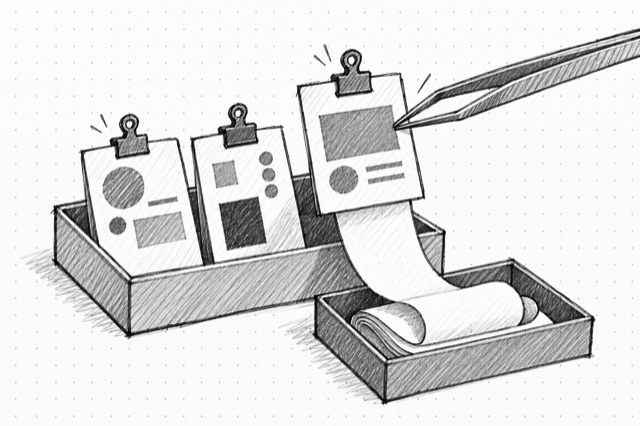
Web Page Scraper turns one URL, or a batch of URLs, into clean page content for research and planning. Use it when you already know the pages you want to inspect and need markdown, links, images, screenshots, metadata, summaries, or structured extraction without manually copying pages.
Use cases
- Scrape a competitor pricing page before writing positioning notes.
- Collect markdown from several product pages for a research brief.
- Capture page links, images, screenshots, or metadata for a source review.
Input tips
- Paste one full URL, or multiple URLs separated by commas or new lines.
- Keep the default markdown format when you only need readable page content.
- Request screenshots, links, images, or PDF parsing only when those outputs are useful.
- Use country, mobile, or proxy settings when a page behaves differently by location or device.
Expected output
The AI Tool returns per-URL results with success counts, failed URLs, requested formats, page metadata, and downloadable files for large markdown, HTML, raw HTML, screenshots, or images when requested.
Caveats
- Blocked pages, login walls, robots rules, or anti-bot protections can produce partial or failed results.
- Public pages can change between runs.
- Large page content is returned through downloadable files instead of embedded directly.
- Richer formats may take longer to run.
Related AI Tools

Website Mapper
Discover all URLs from a website using intelligent sitemap analysis and crawling. Returns a list of all accessible pages.
Exa Contents
Use Exa Contents to retrieve clean page content, highlights, summaries, links, images, subpages, and per-target statuses from known URLs. Use Exa Search instead when you need to discover pages from a query first.

Exa Search
Use Exa Search for citation-backed query-first web research, company and people discovery, news, PDFs, research papers, personal sites, financial reports, concise highlights, summaries, and deep synthesized search. If you already have URLs, use Exa Contents instead.