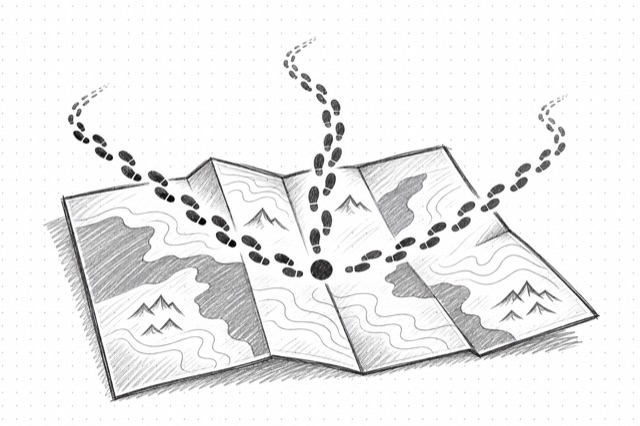
Website Crawler
Crawl entire websites starting from a URL, discovering and extracting content from all accessible subpages.
No card required
Inputs
Loading workflow structure...
Overview
Website Crawler starts from one website URL and crawls accessible pages to collect page content and research artifacts. Use it for competitor site audits, content inventories, source gathering, brand research, and planning work when you need many pages from a site rather than one known URL.
Use cases
- Crawl a competitor site to gather public product, pricing, blog, and resource pages for review.
- Build a content inventory before planning a website refresh or campaign research brief.
- Collect markdown, links, images, screenshots, summaries, or branding signals across a site section.
- Use include and exclude paths to focus on the pages that matter for a research task.
Input tips
- Enter the website URL or section URL where the crawl should start.
- Set limit from 1-2,000 pages and maxDepth from 1-10 to keep the crawl focused.
- Use includePaths, excludePaths, and allowSubdomains to control which URLs are crawled.
- Keep markdown and onlyMainContent for readable page text; add richer formats only when useful.
- Use delay, country, mobile, or proxy settings when site behavior depends on rate, region, or device.
- Enable PDF parsing only when PDFs matter, and set maxPages when the crawl may find long documents.
Expected output
The AI Tool returns success status, crawl ID, total pages crawled, requested formats, cost metadata, and a document list for crawled pages. Documents can include source URL, title, description, status code, language, keywords, downloadable markdown/HTML/raw HTML URLs, summary text, extracted links, image URLs, screenshot URL, branding data, and change-tracking data when requested and returned.
Caveats
- Crawls depend on public access, crawlability, links, sitemap quality, filters, and provider availability.
- Blocked pages, login walls, robots rules, or anti-bot protections can produce partial or failed results.
- Large sites can return many pages, so use limits, depth, and path filters for focused research.
- Large text outputs are returned through downloadable files instead of embedded directly.
- Richer formats, screenshots, PDF parsing, and larger crawls can take longer to run.
Related AI Tools

Web Page Scraper
Extract clean markdown content from web pages. Supports single URLs or batch scraping of multiple URLs.

Website Mapper
Discover all URLs from a website using intelligent sitemap analysis and crawling. Returns a list of all accessible pages.
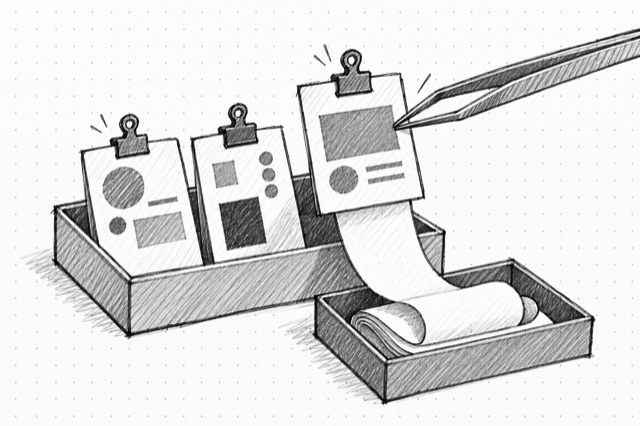
Exa Contents
Use Exa Contents to retrieve clean page content, highlights, summaries, links, images, subpages, and per-target statuses from known URLs. Use Exa Search instead when you need to discover pages from a query first.