
Threads Profile
Fetch a public Threads profile by handle, including identity, bio, verification, follower count, profile image, and bio links when available.
No card required
Inputs
Loading workflow structure...
Overview
Threads Profile fetches public profile details for a Threads handle, including username, display name, biography, profile image, follower count, verification, privacy/activity flags, and bio links when returned. Use it to size and qualify creators, brands, or community accounts before deeper Threads research.
Use cases
- Summarize a public Threads profile before outreach, partnership research, or competitor monitoring.
- Check follower count, bio, verification, privacy/active flags, profile image options, and bio links.
- Use profile context before reviewing recent Threads posts or a specific thread.
Input tips
- Enter a Threads handle such as shopify or @shopify.
- Use Threads Search Users when you need to find the correct handle first.
- Use Threads User Posts when you need recent content for the same account.
Expected output
The AI Tool returns lookup status, canonical source handle, optional normalized profile, bio links, warnings, normalization notes, additional recovered fields, and cost metadata. Profile details can include user ID, username, display name, biography, profile image URL, high-resolution image variants, verification flag, follower count, Threads-only/private/onboarded/active flags, transparency labels, and link metadata such as title, URL, source type, and verification when returned.
Caveats
- Only public profile data returned by the source is included.
- Follower counts, verification, privacy/activity flags, bio links, and images can change after the run.
- A missing profile or link field can mean the source did not return it, not that it does not exist.
- Use post-focused Threads AI Tools for content, comments, and engagement context.
Related AI Tools
Threads User Posts
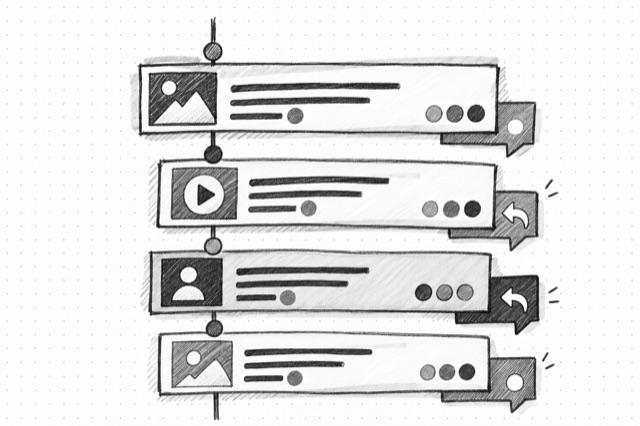
Fetch recent public Threads posts for an account, preserving timestamps, captions, authors, engagement counts, and media assets when available.

Threads Post
Fetch one public Threads post by URL, including the post, comments, related posts, engagement counts, and media assets when available.
Threads Search Users
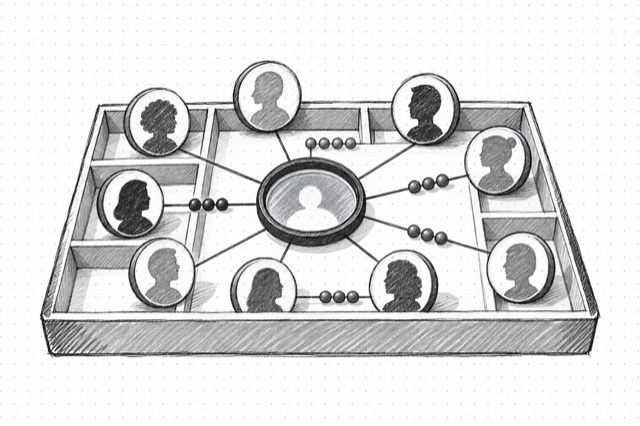
Search public Threads users by username, handle, full name, or fuzzy account query before fetching profile or post details.