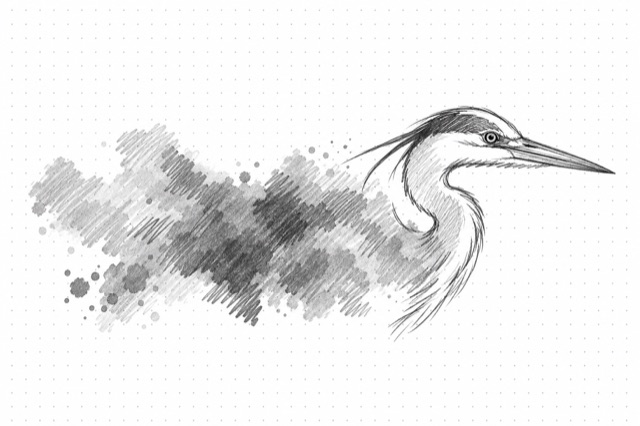
Vectorize Image
Convert raster images (PNG, JPG, WEBP) to scalable SVG format with high-quality vectorization
No card required
Inputs
Loading workflow structure...
Overview
Vectorize Image converts a raster PNG, JPG, or WEBP image into a scalable SVG using Recraft vectorization. Use it when a logo-style mark, icon, illustration, badge, or simple graphic needs a vector version for resizing, layout, or handoff.
Use cases
- Convert a campaign icon, badge, simple logo, or illustration into an SVG for flexible resizing.
- Prepare a raster graphic for web, deck, or design-tool handoff where a vector file is easier to reuse.
- Turn a simple product or brand graphic into scalable artwork before creating variants.
Input tips
- Provide a public image_url that can be fetched without login.
- Use PNG, JPG, or WEBP input; keep files under 5 MB and within 16 MP.
- Keep dimensions between 256 and 4096 pixels.
- Use clean, high-contrast graphics when you need a crisper vector result.
- Avoid photos or complex scenes when the goal is a tidy SVG.
- Crop away irrelevant background or padding before running when the main object matters.
Expected output
The AI Tool returns one vectorized SVG image with a downloadable URL and cost metadata. The output view renders the SVG image and labels the format as SVG (Scalable Vector Graphics).
Caveats
- Input image URLs must be public and reachable.
- Vectorization is not the same as redrawing; complex photos, gradients, tiny text, or fine details may simplify or shift.
- Review brand marks, lettering, and product details before using the SVG in final assets.
- Images outside the supported file size or dimension limits may fail.
- The output is a single SVG image, not separate editable layers, color palettes, or design tokens.
Related AI Tools
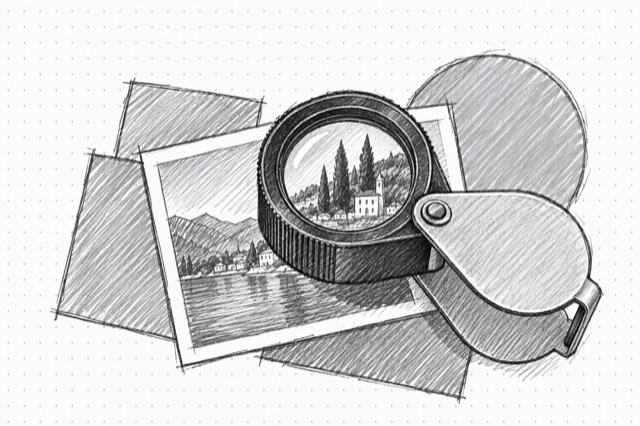
Recraft Crisp Upscaler
Upscale images with enhanced crispness and detail using Recraft's AI-powered upscaling model
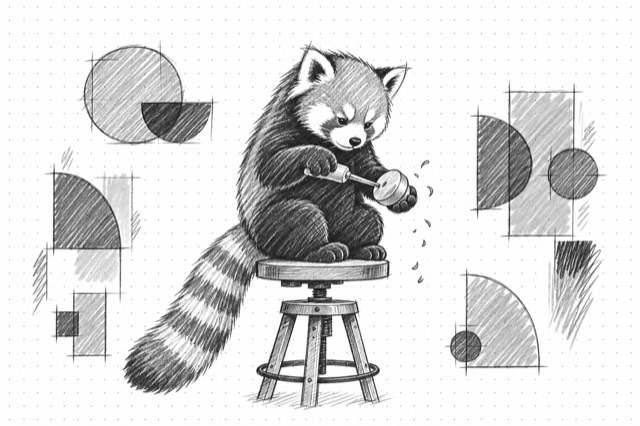
Recraft V3 (Red Panda)
Generate high-quality raster and vector images using Recraft V3 (Red Panda) with style control, negative prompts, and optional best-effort clean-copy-space guidance
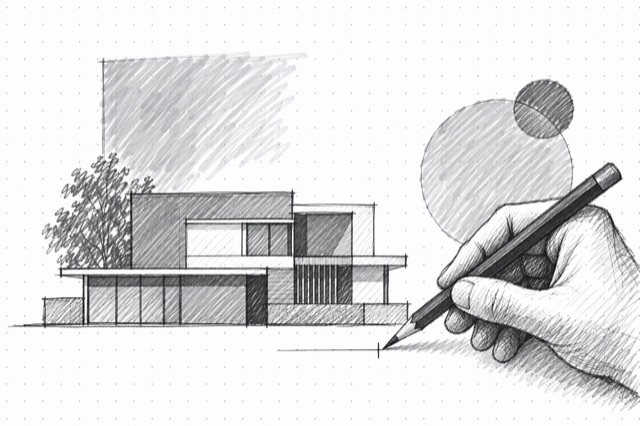
OpenAI Image Editor
Edit images with GPT Image 2.5 Sunburst or Flare using instructions and optional masks.