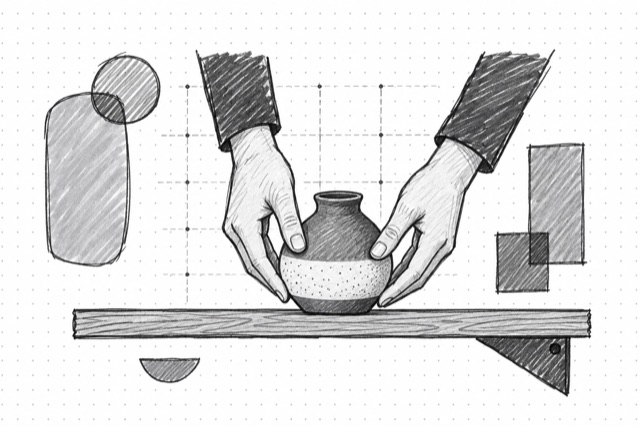
Qwen Integrate Product
Blend one product image into a prompted scene with an optional background reference and best-effort perspective and lighting adjustment using Qwen Image Edit Plus with LoRA
No card required
Inputs
Loading workflow structure...
Overview
Qwen Integrate Product blends one product image into a prompted scene using Qwen Image Edit Plus with LoRA, with an optional second image for the scene or background. Use it for product lifestyle concepts, ad visuals, ecommerce scene tests, and campaign mockups when a product should appear naturally placed with best-effort perspective, lighting, and shadow adjustment.
Use cases
- Place a product image into a prompted lifestyle scene for ad concept review.
- Create several product-in-context options from the same source image set.
- Test how packaging, merch, or a hero object could look in different campaign settings.
- Use seed and image size controls when repeatable composition exploration matters.
Input tips
- Provide one public image_urls entry for the product and optionally a second entry for the scene or background; do not add palette-only references.
- Describe the desired scene, background, lighting, perspective, and placement in the prompt.
- Choose num_images from 1-4 when you want multiple options.
- Use image_size presets or custom dimensions only when the output canvas matters.
- Adjust lora_scale, guidance_scale, inference steps, negative_prompt, safety checker, output format, or seed only when needed.
Expected output
The AI Tool returns one or more generated images with downloadable URLs and optional content type, file name, file size, width, and height, plus the seed used and cost metadata. The shared image output view renders a single image or gallery and shows seed, image count, and the Qwen Integrate Product model label.
Caveats
- Product image URLs must be public and reachable.
- The AI Tool can adjust perspective, lighting, and shadows, but product details and proportions may still shift.
- The first image is treated as the product reference; a second image can guide the scene or background. This AI Tool does not expose a separate mask field.
- Generated packaging text, logos, product details, and brand marks should be reviewed before use.
- Safety filtering may block or alter requests that violate model rules.
Related AI Tools
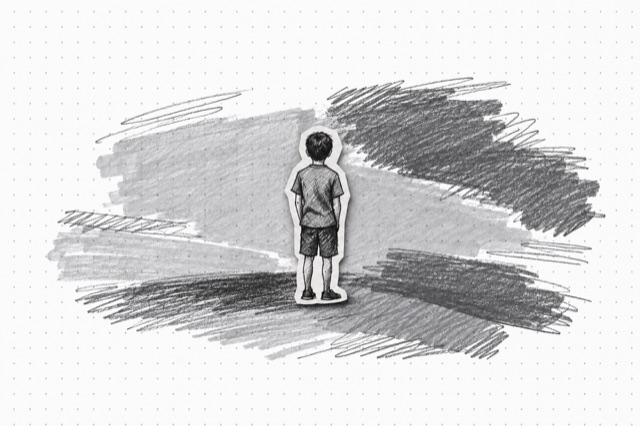
Qwen Add Background
Remove white backgrounds from images and add realistic scenes using Qwen Image Edit Plus with LoRA
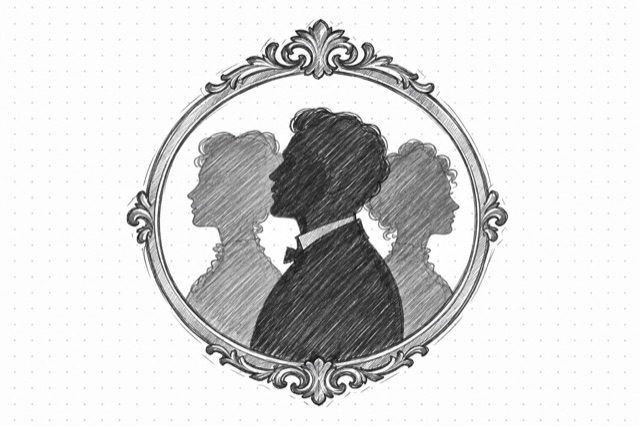
Qwen Group Photo
Combine multiple portrait images into vintage-style group photos with character consistency using Qwen Image Edit Plus with LoRA
OpenAI Image Editor
Edit images with GPT Image 2.5 Sunburst or Flare using instructions and optional masks.