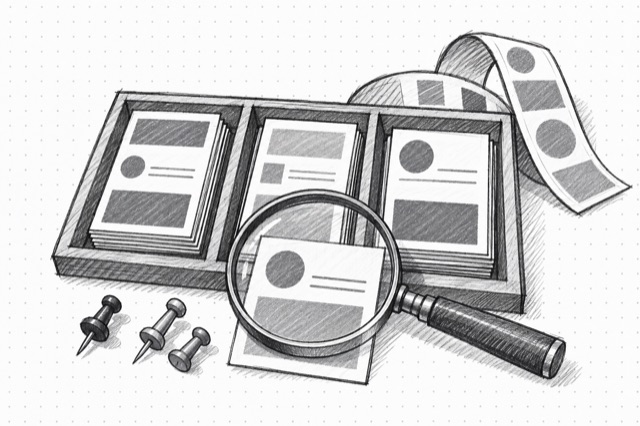
LinkedIn Ad Library Search
Search one page of public LinkedIn Ad Library ads by advertiser, keyword, company ID, delivery country, date range, or pagination token.
No card required
Inputs
Loading workflow structure...
Overview
LinkedIn Ad Library Search finds one page of public LinkedIn ads by advertiser, keyword, company ID, country, date range, or pagination token. Use it to discover competitor paid-social creative, landing pages, messaging patterns, advertiser activity, and ads worth opening in detail.
Use cases
- Search a competitor or keyword to find LinkedIn ads for a paid-social brief.
- Filter by country or date range to narrow a campaign-research sample.
- Collect ad IDs and detail links for follow-up creative inspection.
Input tips
- Provide at least one search field: company, keyword, or company ID.
- Use company ID when exact advertiser matching matters; company-name search can be fuzzy.
- Use ISO country codes such as US, CA, GB, or AU when filtering delivery countries.
- Use the pagination token from a prior search to fetch the next page.
Expected output
The AI Tool returns the query and filters used, normalized ad records with ad IDs, Ad Library URLs, advertiser names, advertiser pages, copy, headlines, CTAs, destination URLs, ad and creative types, date fields, impression labels or ranges, targeting fields, media assets, pagination token, last-page status, warnings, skipped-item diagnostics, and cost metadata when available.
Caveats
- It returns one search-results page per run, not a complete advertiser archive.
- Company-name search can match loosely; use company ID when precision matters.
- Copy, media, landing URLs, targeting, dates, and impression fields can be missing or partial.
- Treat impression data as public library context, not proof of ad performance.
Related AI Tools

LinkedIn Ad Library Ad Details
Fetch public LinkedIn Ad Library creative details for one ad, including advertiser metadata, copy, media assets, targeting fields, landing page, and impression signals when available.
Meta Ads Library Scraper
Scrape Meta Ads Library search results and ads from Facebook pages to review competitor creative, messaging, and activity.
Google Ads Transparency Center Search
Search Google Ads Transparency Center for advertiser creatives, competitor ads, formats, regions, platforms, political ads, and active or historical Google ad examples.